

 Hoodies
Gray Full-Zip Hoodie Set
$71.63Weidian
Sweats & knitwear from FindSpreadsheet. Open a listing to check its source and available QC photos.
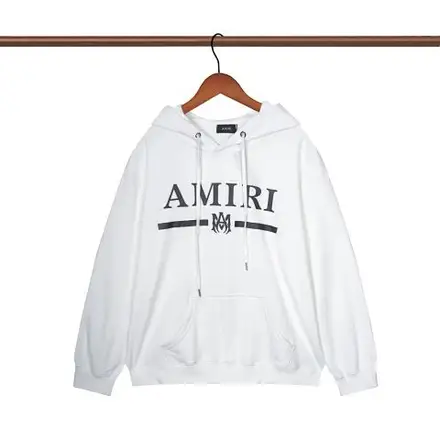
FindSpreadsheet catalog
Hoodies Hoodies
 Hoodies
 Hoodies
 Hoodies
 Hoodies
 Hoodies
 Hoodies
 Hoodies
 Hoodies
 Hoodies
 Hoodies
 Hoodies
 Hoodies
 Hoodies
 Hoodies
 Hoodies
 Hoodies
 Hoodies
 Hoodies
 Hoodies
 Hoodies
 Hoodies
 Hoodies
Compare the listing details, shipping options and the QC photos available for your item.
Browse pullovers, zip hoodies, knitwear and other layers. Check flat chest width, body length and sleeve measurements against a similar garment. Confirm whether the seller measures the sleeve from the shoulder or neck.
Compare a pullover with a pullover or a zip hoodie with a zip hoodie. Record flat chest width, body length and the sleeve starting point. If you plan to layer it, measure over the same base layer you intend to wear.
Open a product to compare the seller listing and available options. Record the Weidian ID, selected size or model, color and quantity so you can check the warehouse photos against the actual order.
Dense fleece and knitwear can add weight, while bulky fabric also increases packed dimensions. Compare the warehouse’s available packing options, taking garment care and shape into account.
Use the same destination and item quantity when you compare packing choices. Save the estimate date, route, chargeable weight and outside dimensions. Recheck the route after packing or if you add another item, and check whether extras are included in the quote.
Seller-to-warehouse delivery and international shipping are separate charges. Enter your destination, actual item type and packed weight in kilograms, then add outer parcel dimensions in centimeters. Compare available routes and confirm the current quote on Pikobuy before paying.
Ask for front and back photos, an unobstructed size tag, the chest measurement and close-ups of the cuffs, hood and zipper. For knitwear, check for snags and seam distortion.
Ask for the front, back and size tag, then request a flat chest photo with the garment closed or laid naturally. Include close-ups of cuffs or a zipper if those details would affect your decision.