
 Shoes
Low-Top Casual Sneakers
$66.94Weidian
Product directory by FindSpreadsheet
Browse shoes, clothing and accessories. Compare Weidian listings and check warehouse photos when available.
Shoes Hoodies
 T-shirts
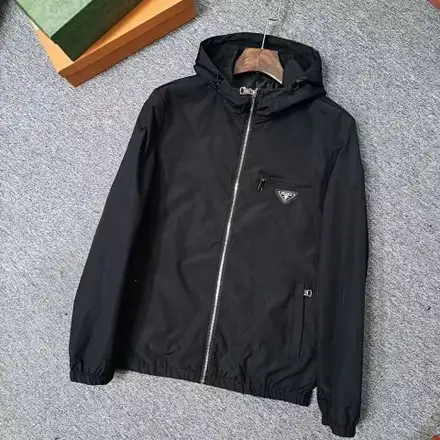 Jackets
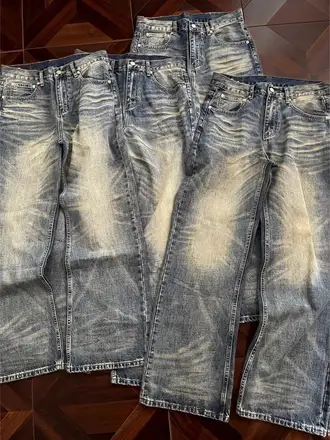 Pants & shorts
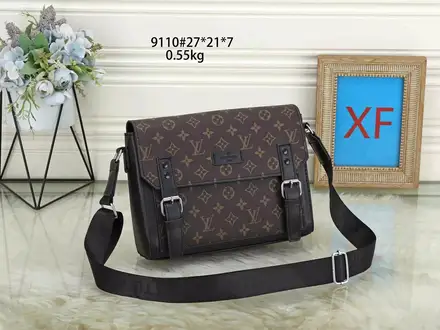 Accessories
 Jerseys
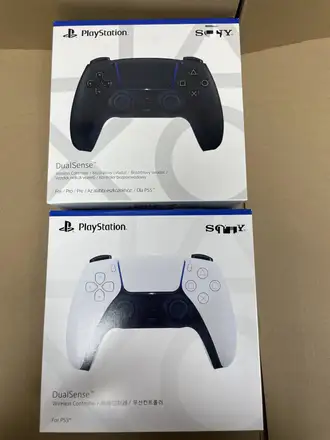 Electronics
Look up a Weidian listing before you buy, then review the warehouse photos for your own order before you ship.
Read the QC checklistFind the product and compare the seller photos, size chart and options.
Use the product page’s Buy on Pikobuy link or paste the Weidian link into Pikobuy.
Confirm the variant, quantity and first payment before submitting.
Check the item against your order and ask for any missing close-ups.
Confirm the parcel contents, compare routes and pay for shipping.
After dispatch, follow the parcel’s tracking updates in Pikobuy.
Find the seller listing by link or item ID. Compare the size chart, chosen variant and quantity before placing the order.
Look up earlier photos by item ID. Review your own order’s label, measurements and visible condition before shipping.
Compare international routes after inspection. Confirm the parcel contents, quote and address before you pay.
Estimate international delivery before you buy. Use packed measurements to compare actual weight, volumetric weight and eligible routes after the warehouse receives your orders.
Keep the source, selected option and quoted price together when comparing finds.
Use a garment you already wear to interpret a seller’s size chart.
Review each warehouse item before you group it into a parcel.
It is an independent product directory using FindSpreadsheet listings. Use it to compare finds and follow their seller links. Pikobuy handles registration, purchases, warehouse services and shipping on its own site.
Yes. Enter a Weidian URL, the numerical item ID or a Pikobuy product URL containing that Weidian source. Search by a name or model when you are still comparing options. Category and sort controls apply to the results in the preview catalog.
Search the spreadsheetThe finder checks FindSpreadsheet for warehouse photos associated with the Weidian item ID. Earlier photos may belong to another order or show a different option. For a decision about an item you purchased, review the pictures attached to your own Pikobuy order.
Review the QC checklistThe Findsheet price is a reference from the listing. Confirm the selected variant price, currency and domestic freight on Pikobuy. International shipping is quoted separately when you prepare your parcel.
Read the shipping guideKeep the item out of the parcel. Submit the request through the order or contact support with the selected variant and a clear photo of the received label. Check eligibility and timing promptly, since Pikobuy’s standard return window for eligible items is tied to the warehouse status.
Check return eligibility and timingConfirm whether the parcel has dispatched, then find its parcel number, tracking number and last scan. Keep these separate from the purchase order number and share them with Pikobuy support if you need help.
Contact Pikobuy support